Twyt : Twiiting dari Command Line
Anda pengguna twiter, dan anda juga penyuka command line. Maka anda patut mencoba aplikasi client twiter ini, yaitu melakukan twiting dari command line, namanya twyt. Twyt ini berbasis python. Tertarik untuk mencoba?
Anda bisa mendownload nya dari Twyt Download Repository
Untuk instalasinya :
setup.py install
Jika depedency paket sudah ada, maka tidak ada masalah. Berikut paramter yang ada di twyt.
$ twyt --commands usage: twyt COMMAND [options] [args] Available commands: accountlimit Show the API rate limit for your Twitter account. block Blocks a user specified by ID (numerical ID or screen name) delete Deletes a tweet by ID direct Sends a direct message to another user directdel Delete a direct message which was sent to you directsent Prints the 20 last direct messages sent by you directtl Prints the 20 last direct messages sent to you friendstl Returns 20 most recent statuses in your friends timeline iplimit Show the API rate limit for your IP address. namecache Access and manipulate the username cache. publictl Shows the 20 most recent statuses in Twitter's public timeline replies Lists statuses which are replies to you (statuses with @yourusername in them) show Show a single status message by ID sing Similar to 'tweet', wraps the status in musical notes tweet Updates the authenticating user's Twitter status unblock Unblocks a user specified by ID (numerical ID or screen name) user Get and set Twyt user options, e.g. remembered passwords and Twitter usernames usertl Show your timeline, or USERNAME's timeline For command-specific help, use twyt COMMAND --help
Untuk menggunakannya bisa dijalankan dengan :
$ twyt tweet "Hello, nge-tweet dari twyt" –u username –p SuperSecretPassword [8782187385] username: Hello, nge-tweet dari twyt (Fri Feb 12 22:43:14 2010 via Twyt)
Untuk membuat account permanen bisa dengan :
$ twyt user –user=namauser set Enter namauser's Twitter password:
enjoy :)
Bacaan terkait
How to find out the mysql root password
One thing that tripped me up on a new install of MySQL and wondering why I couldn't get the default password to work and why even the reset methods where not working...
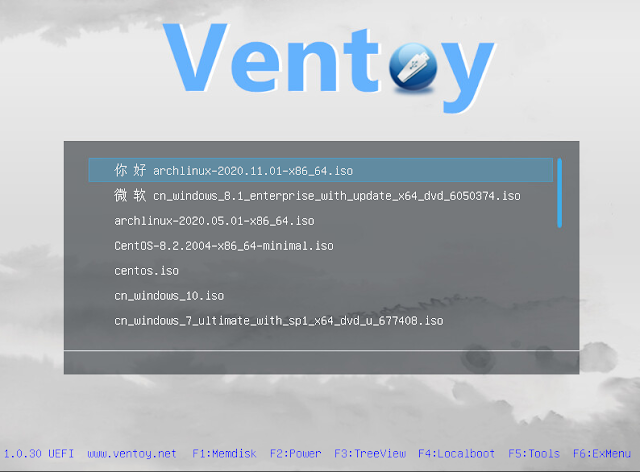
Ventoy : Membuat USB Bootable Lebih Mudah dan Beda
Biasanya ketika kita ingin membuat USB bootable maka USB/drive yang akan kita gunakan perlu di format dan image yang digunakan perlu di extract ke dalam USB/drive te...
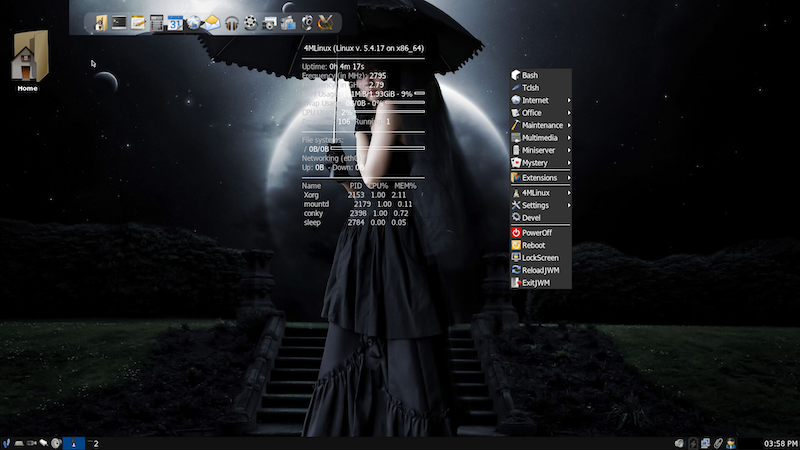
4MLinux : Distro Linux Ringan dengan Konsep 4M
4MLinux merupakan salah satu dari sekian distro linux ringan menggunakan desktop JWM. Dikembangkan berasal dari polandia dan saat ini versi major rilis nya sudah men...
Komentar (0)
Belum ada komentar. Jadilah yang pertama.
Tulis komentar
Komentar akan dimoderasi sebelum tampil.