Troubleshoot smbldap-populate
# Use TLS for LDAP # If set to 1, this option will use start_tls for connection # (you should also used the port 389) # If not defined, parameter is set to “0? # ldapTLS=”1?
# Use SSL for LDAP # If set to 1, this option will use SSL for connection # (standard port for ldaps is 636) # If not defined, parameter is set to “0? # ldapSSL=”0?
# How to verify the server’s certificate (none, optional or require) # see “man Net::LDAP” in start_tls section for more details # verify=”optional”
# CA certificate # see “man Net::LDAP” in start_tls section for more details # cafile=”/etc/smbldap-tools/ca.pem”
# certificate to use to connect to the ldap server # see “man Net::LDAP” in start_tls section for more details # clientcert=”/etc/smbldap-tools/smbldap-tools.iallanis.info.pem”
# key certificate to use to connect to the ldap server # see “man Net::LDAP” in start_tls section for more details # clientkey=”/etc/smbldap-tools/smbldap-tools.iallanis.info.key”
Kalau sudah di save, lalu di restart ldapnya. Dan jalankan lagi smbldap-populte :)
Bacaan terkait
How to find out the mysql root password
One thing that tripped me up on a new install of MySQL and wondering why I couldn't get the default password to work and why even the reset methods where not working...
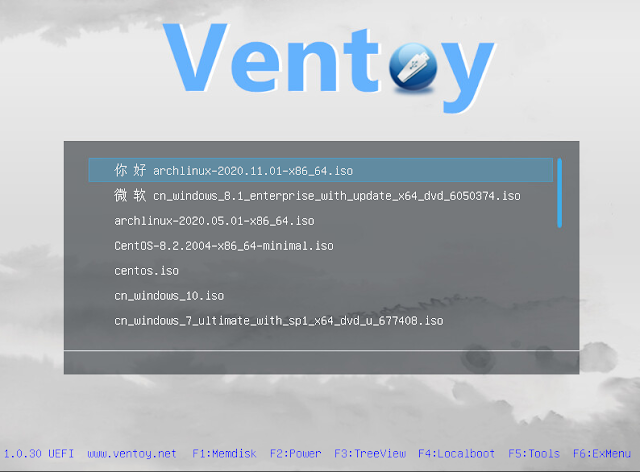
Ventoy : Membuat USB Bootable Lebih Mudah dan Beda
Biasanya ketika kita ingin membuat USB bootable maka USB/drive yang akan kita gunakan perlu di format dan image yang digunakan perlu di extract ke dalam USB/drive te...
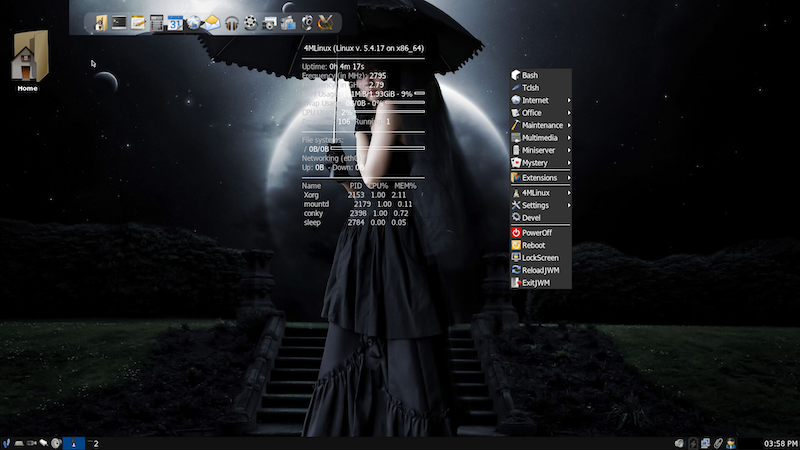
4MLinux : Distro Linux Ringan dengan Konsep 4M
4MLinux merupakan salah satu dari sekian distro linux ringan menggunakan desktop JWM. Dikembangkan berasal dari polandia dan saat ini versi major rilis nya sudah men...
Komentar (1)
Tulis komentar
Komentar akan dimoderasi sebelum tampil.