PLop Boot Manager : Enable USB Boot without BIOS Support
Plop Boot manager layaknya sebuat boot manager yang menangi boot dari PC anda. Tapi Plop boot manager ini memiliki fitur yang memungkinkan untuk boot ke USB, yang dimana (biasanya) pada PC lama ada BIOS yang tidak mendukung untuk ke usb, bahkan mungkin CD/DVD. Dengan menggunakan Plop boot manager ini, hal itu bisa dilakukan.
Plop Boot manager ini bukanlah opensource, tapi free untuk digunakan.

Selain itu Plop Boot Manager juga memiliki fitur lain. PLop Boot Manager fitur:
- CD/DVD boot without BIOS support
- USB boot without BIOS support (UHCI, OHCI and EHCI)
- Floppy boot
- Different profiles for operating systems
- Define up to 16 partitions
- No extra partition for the boot manager
- Hidden boot, maybe you have a rescue system installed and the user should not see that there is another system installed
- Boot countdown
- Hide partitions
- Password protection for the computer and the boot manager setup
- Backup of partition table data
- Textmode user interface 80x50
- Graphic user interface 640x480, 800x600, 1024x786, 1280x1024
- MBR partition table edit
- Start of the boot manager from harddisk, floppy, USB, CD, DVD
- Starting from Windows boot menu
- Starting from LILO, GRUB, Syslinux, Isolinux, Pxelinux (network)
- It can be used as ISA/PCI option ROM
- The boot manager is freeware
Limitations: USB floppy, USB CD/DVD ROM, USB keyboards, SATA CD/DVD drives dan PCMCIA Card - tidak di support.
Untuk lebih jelasnya, silahkan meluncur ke : PLoP Boot Manager homepage
Bacaan terkait
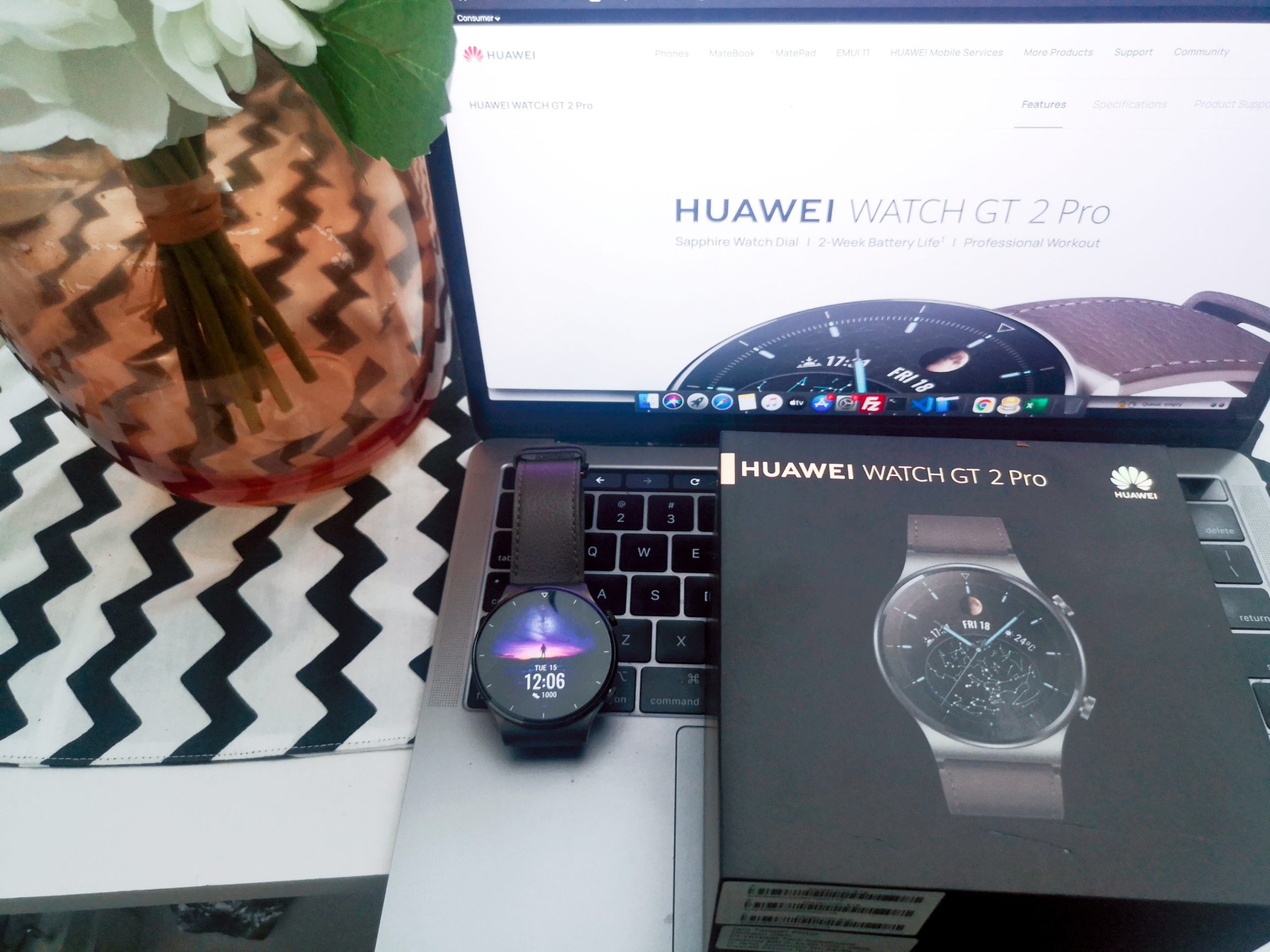
Review Huawei Smartwatch GT 2 Pro : Premium dengan Fitur Fitnes Melimpah
Pada bulan oktober 2020 kemarin, huawei baru saja merilis smartwatch terbarunya, dan kali ini dilengkapi dengan embel-embel pro, yaitu smartwatch GT 2 Pro. Smartwatc...
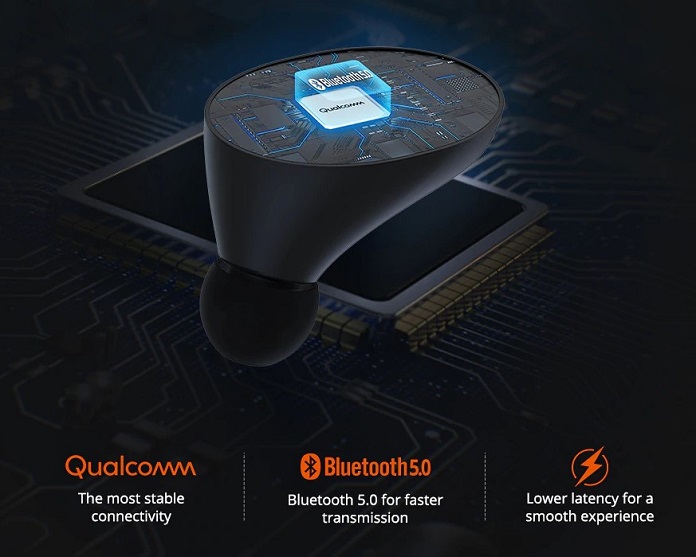
Review Tronsmart Spunky Beat
Buat yang mencari TWS (True Wireless Stereo) yang terjangkau tapi dengan kualitas audio yang tidak mengecewakan, anda bisa mencoba Tronsmart Spunky Beat. TWS Tronsma...
Komentar (0)
Belum ada komentar. Jadilah yang pertama.
Tulis komentar
Komentar akan dimoderasi sebelum tampil.