Install Bind9 DNS di Ubuntu 9.10
Kalau tutorial sebelumnya saya mencoba di centos 5.4, maka kali ini saya mencoba di ubuntu 9.10. Mungkin sudah ada di tutorial orang lain, tapi ngga ada salahnya saya coba dan di dokumentasikan. Kan jadi opsi bagi anda yang ingin mencoba tutorial ini :)
Ok, langsung saja. Di sini, kasus nya saya akan coba buat DNS dengan nama alfach.net dengan IP 192.168.1.1.
1. Install Bind9 :
sudo apt-get install bind9
2. Copy beberapa file ini :
# cp /etc/bind/db.local /etc/bind/alfach.server (alfach.server nama file bebas) # cp /etc/bind/db.127 /etc/bind/alfach.254 (alfach.254 nama file bebas ) # cp /etc/bind/named.conf.default-zones /etc/bind/named.conf.server (named.conf.server nama file kita boleh diganti )
3. Edit file alfach.server tadi dengan :
; ; BIND data file for local loopback interface ; $TTL 604800 @ IN SOA alfach.net. root.alfach.net. ( 2 ; Serial 604800 ; Refresh 86400 ; Retry 2419200 ; Expire 604800 ) ; Negative Cache TTL ; @ IN NS alfach.net. IN A 192.168.1.1 www IN A 192.168.1.1 mail IN A 192.168.1.1
4. Edit file alfach.254 dengan :
; ; BIND reverse data file for local loopback interface ; $TTL 604800 @ IN SOA alfach.net. root.alfach.net. ( 1 ; Serial 604800 ; Refresh 86400 ; Retry 2419200 ; Expire 604800 ) ; Negative Cache TTL ; @ IN NS alfach.net. 2 IN PTR www.alfach.net. 2 IN PTR mail.alfach.net.
// prime the server with knowledge of the root serverszone "." {type hint;file "/etc/bind/db.root";};// be authoritative for the localhost forward and reverse zones, and for// broadcast zones as per RFC 1912zone "localhost" {type master;file "/etc/bind/db.local";};zone "127.in-addr.arpa" {type master;file "/etc/bind/db.127";};zone "alfach.net" {type master;file "/etc/bind/alfach.server";};zone "2.in-addr.arpa" {type master;file "/etc/bind/alfach.254";};
include "/etc/bind/named.conf.options";include "/etc/bind/named.conf.local";include "/etc/bind/named.conf.server";
Bacaan terkait
How to find out the mysql root password
One thing that tripped me up on a new install of MySQL and wondering why I couldn't get the default password to work and why even the reset methods where not working...
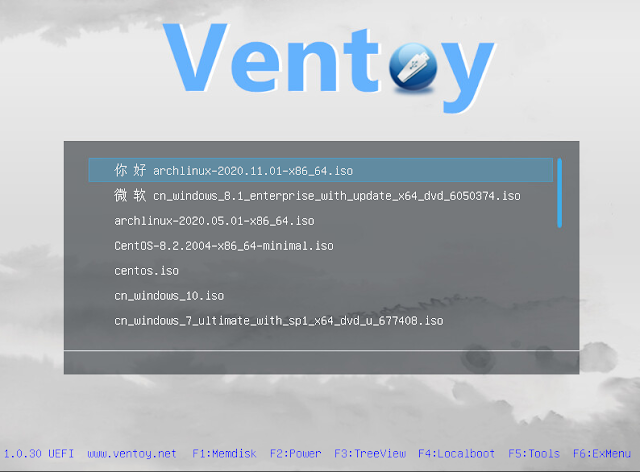
Ventoy : Membuat USB Bootable Lebih Mudah dan Beda
Biasanya ketika kita ingin membuat USB bootable maka USB/drive yang akan kita gunakan perlu di format dan image yang digunakan perlu di extract ke dalam USB/drive te...
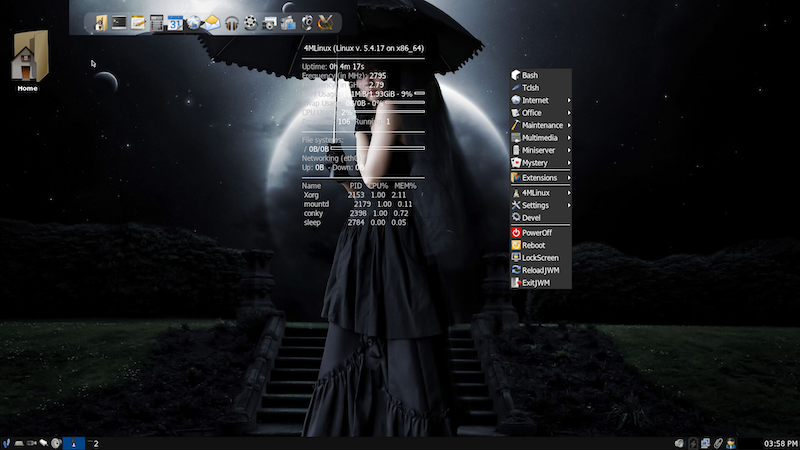
4MLinux : Distro Linux Ringan dengan Konsep 4M
4MLinux merupakan salah satu dari sekian distro linux ringan menggunakan desktop JWM. Dikembangkan berasal dari polandia dan saat ini versi major rilis nya sudah men...
Komentar (0)
Belum ada komentar. Jadilah yang pertama.
Tulis komentar
Komentar akan dimoderasi sebelum tampil.